What Is Two Factor vs Two Step? Stop Confusing These Security Layers
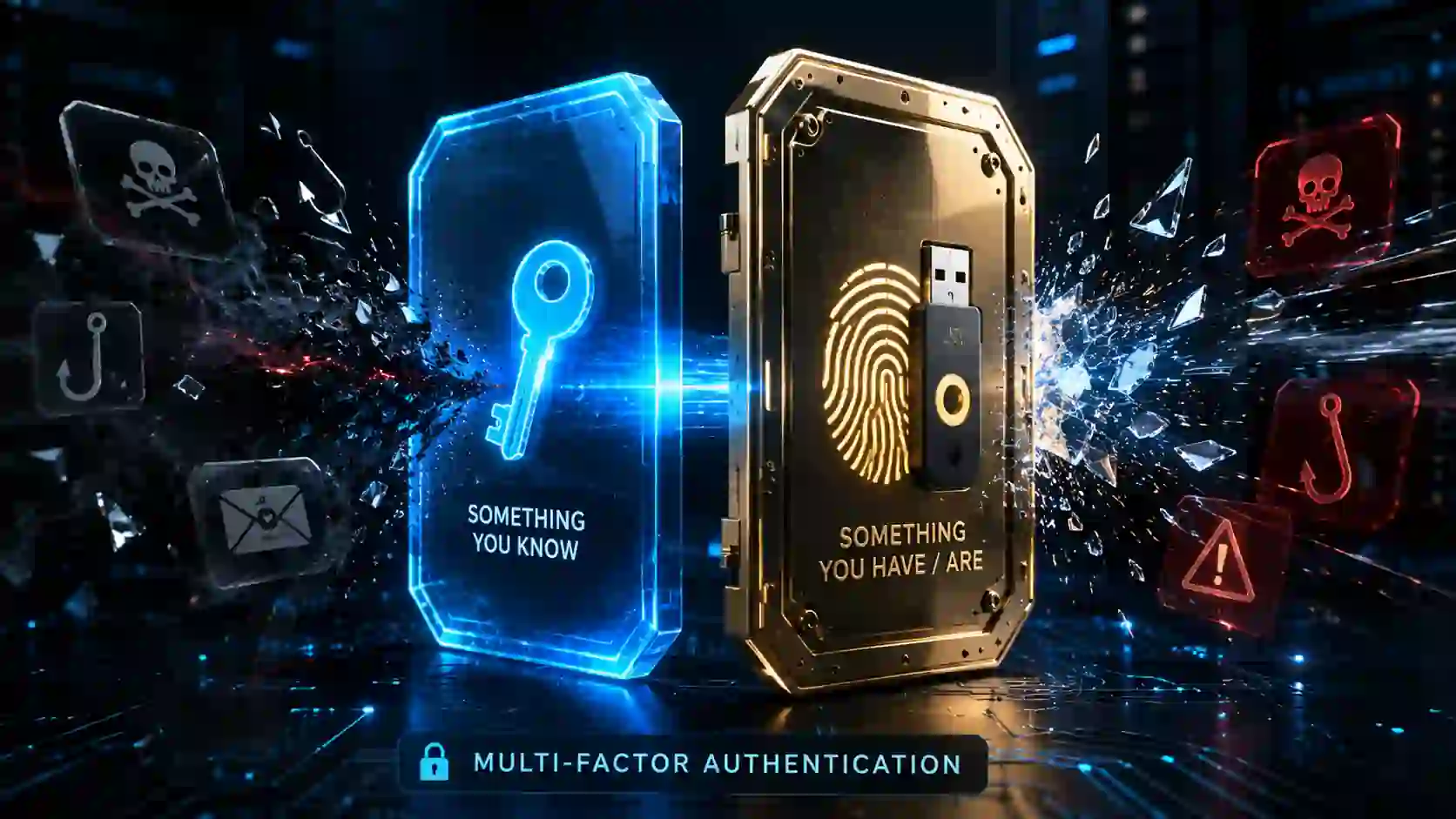
You set up extra login protection. The app asks for a code after your password. You call it two-factor. Your friend calls it two-step. Who is right? Understanding exactly what is two factor vs two step matters more than you think.
Both methods add a barrier beyond your password. But they work differently under the hood. A false sense of security is produced when they are mixed up. A 2023 Microsoft Digital Defense Report found that accounts with any form of multi-layered authentication are 99.9% less likely to suffer automated attacks.
Yet the type of layer you pick changes the threat model you are actually protected against. This guide clears the fog around what is two factor vs two step so you can lock down your accounts properly.
The Core Definitions You Need First
Before spotting the difference in what is two factor vs two step, lock in the definitions.
Two-factor authentication demands two distinct types of evidence. The industry calls these “factors.” They fall into three buckets:
- Something you know (password, PIN)
- Something you own, such as a smart card, phone, or security key
- Something about you (voice pattern, face scan, fingerprint)
True two-factor pulls one item from two different buckets. Password plus fingerprint qualifies. Password plus a hardware security key qualifies. Password plus another password does not.
Two-step verification requires two sequential steps. Both steps can come from the same category. Password followed by an email code counts as two-step. Password followed by an SMS code also counts as two-step. The system checks step one, then checks step two. Simple layering, not necessarily layered categories.
The confusion around what is two factor vs two step exists because people use these labels interchangeably. Tech companies often mislabel their own features. Google calls its process “2-Step Verification” while actually supporting genuine two-factor options inside it.
Apple uses “Two-Factor Authentication” for iCloud but the implementation mixes both concepts. This inconsistent naming from major players fuels the misunderstanding about what is two factor vs two step.
What Makes a Factor a Real Factor
A factor must come from an independent category. Authentication factors are distinct channels that an attacker must independently breach, according to the National Institute of Standards and Technology (NIST).This idea is fundamental to the distinction between two factors and two steps.
If someone steals your password, they still cannot enter without your fingerprint. That is true two-factor. The thief needs two completely different attack strategies. Guessing or phishing a password is one problem. Lifting a fingerprint or stealing a physical device is an entirely different challenge.
If someone steals your password and the system emails you a code, the attacker only needs access to your email. Gaining email access might require just one more password. So two passwords stand between the criminal and your account. This is two-step verification, not two-factor.
The barrier is higher than one password but still relies on a single factor category repeated twice. Anyone asking what is two factor vs two step needs to understand this core distinction first.
Google’s security research shows that device-based two-factor using on-device prompts blocks 100% of automated bots, 99% of bulk phishing attacks, and 90% of targeted attacks. Simple SMS-based two-step blocks significantly fewer sophisticated threats because SMS messages can be intercepted, SIM-swapped, or redirected.
Detailed Comparison Table
| Feature | Two-Factor Authentication | Two-Step Verification |
| Factor categories required | Two different categories mandatory | Can use same category twice |
| Example combination | Password + Fingerprint | Password + SMS code |
| Security level | High — independent attack vectors | Moderate — layered single-category defense |
| Phishing resistance | Strong when using hardware keys or biometrics | Weaker — codes can be phished |
| Offline access | Works with hardware tokens without network | Usually requires network for code delivery |
| User experience | Slightly more setup effort | Easier initial setup |
| NIST compliance | Meets strict authentication standards | Often fails strict multi-factor requirements |
| Common implementation | FIDO2 security keys, biometric platforms | Email codes, SMS codes, app-generated codes |
The Hidden Risk Inside Two-Step Verification
Two-step verification feels secure because it asks for extra proof. But the delivery method introduces weaknesses that criminals actively exploit. This reality shapes the entire debate around what is two factor vs two step.
SMS-based codes travel through telecom infrastructure that was never designed for high-security applications. SIM swapping attacks trick mobile carriers into transferring a victim’s phone number to a criminal’s SIM card.
The FBI’s Internet Crime Complaint Center reported that SIM swapping complaints increased by over 400% between 2018 and 2022, with losses exceeding $68 million in 2022 alone.
Email-based codes rely on the security of your email account. If that email account uses a weak password or lacks its own authentication layers, the verification chain collapses. When you examine what is two factor vs two step from an attacker’s perspective, email-based two-step offers minimal resistance against a determined criminal.
App-generated codes using TOTP (Time-based One-Time Passwords) improve things. They stay on your device. But a sophisticated phishing page can still trick you into typing that code into a fake login screen. The attacker forwards your credentials and code in real-time, gaining entry before the code expires.
Hardware security keys following FIDO2 standards eliminate these attack paths. The key performs cryptographic verification tied to the specific website domain. A fake site cannot trick the key. The domain mismatch kills the attempt instantly. This is the gold standard answer to what is two factor vs two step — hardware keys deliver true two-factor protection that two-step cannot match.
Password Plus SMS: Where It Actually Sits
This combination creates maximum confusion in the what is two factor vs two step discussion. Is it two-factor or two-step?
Password = something you know. SMS code arriving on your phone = something you have. Technically, this meets the two-different-categories requirement. So it qualifies as two-factor under loose interpretations.
However, security researchers increasingly categorize SMS-based systems as a weaker subclass. NIST deprecated SMS as an out-of-band verification method in 2016, then softened the language to “restricted” status.
The code itself is “something you have” but the delivery depends on infrastructure you do not control. Your carrier becomes a third-party security dependency you never explicitly chose.
Most security architects treat SMS as two-step verification in practice because the protection ceiling remains low. Anyone researching what is two factor vs two step should understand this nuance and avoid treating SMS-based protection as military-grade security.
How Major Platforms Handle This
Google offers “2-Step Verification” as its branded term. Users can enroll with SMS codes, Google Authenticator app codes, Google prompts sent to trusted devices, or physical security keys. Adding a security key moves the setup into genuine two-factor territory. Using only SMS keeps it within two-step boundaries despite Google’s naming. This platform example perfectly illustrates what is two factor vs two step in real-world usage.
“Two-Factor Authentication” is used for Apple ID throughout the Apple ecosystem. The system sends a six-digit verification code to a trusted device already signed into iCloud. The trusted device represents “something you have.” Combined with your password, Apple’s implementation qualifies as true two-factor because the trusted device relies on hardware-level encryption and device trust, not just a phone number.
Microsoft accounts push passwordless options through the Microsoft Authenticator app and Windows Hello biometrics. Passwordless login plus biometric authentication delivers strong two-factor without any typing.
Understanding each platform’s actual implementation helps you assess your real security posture. Branding alone cannot tell you the answer to what is two factor vs two step on your accounts.
Which Method Actually Protects Your Accounts Better
Two-factor authentication wins every time against targeted attacks. The independent categories force attackers to solve multiple distinct problems simultaneously. In terms of raw protection power, this clarifies the difference between two factors and two steps.
A criminal can phish your password. They cannot easily phish your fingerprint. They can intercept an SMS code. They cannot intercept a hardware security key’s cryptographic handshake.
Two-step verification adds meaningful protection against bulk automated attacks. Password databases leak constantly. Bots try stolen credentials across thousands of sites. Any second step stops these mass attempts cold. Two-step achieves the 99.9% automated attack prevention without requiring hardware investments.
For high-value accounts — email, banking, domain registrar, cloud infrastructure — use genuine two-factor with hardware security keys or biometric platforms. For low-stakes accounts where convenience matters more, two-step verification provides substantial protection at lower friction. In the end, a realistic decision based on account value is reached while deciding between two factors and two steps.
The Cybersecurity and Infrastructure Security Agency recommends using phishing-resistant multi-factor authentication for all critical accounts. Phishing-resistant refers to either device-bound biometric authentication or FIDO2 hardware tokens.
When Two-Step Is Still Worth Using
Do not dismiss two-step entirely. A second layer of any kind raises the attack cost significantly. The what is two factor vs two step conversation sometimes makes people abandon all extra protection while waiting for the perfect setup.
Small business owners who lack IT staff can enable SMS or app-based verification in minutes. The alternative of doing nothing leaves accounts completely exposed. Two-step reduces breach likelihood drastically compared to password-only protection.
Elderly family members who struggle with new technology can handle receiving a text code. Handing them a hardware key and explaining firmware updates creates frustration and abandonment. Two-step meets them where they are.
The security community sometimes lets perfect become the enemy of good. Use the strongest method you can consistently operate. Upgrade when you can. But never let the what is two factor vs two step debate delay enabling some form of additional authentication today.
Frequently Asked Questions
To put it simply, what is two factor versus two step?
Two-factor authentication demands two different types of proof from separate categories. Two-step verification asks for two proofs that can belong to the same category. The core difference lies in whether the authentication factors are independent in nature or simply layered sequentially.
Is SMS-based verification two-factor or two-step?
SMS technically qualifies as two-factor because the phone represents “something you have.” But security professionals treat it closer to two-step due to SIM-swapping risks and carrier infrastructure vulnerabilities. NIST classifies SMS as a restricted verification channel. Understanding what is two factor vs two step helps you see why SMS sits in a gray zone.
Can two-step verification stop phishing attacks?
Two-step using app codes or SMS can still be phished. Attackers create fake login pages that capture both your password and the verification code in real-time. Hardware-based two-factor using FIDO2 keys stops phishing because the cryptographic verification is domain-locked. This phishing resistance defines the real answer to what is two factor vs two step.
Which accounts need true two-factor authentication?
Email accounts, banking portals, domain registrars, cloud infrastructure dashboards, and any account holding financial or sensitive personal data deserve true two-factor with hardware keys or biometrics.
Why do companies confuse people about what is two factor vs two step?
Marketing language favors familiar terms. “Two-factor” sounds stronger and has become a consumer expectation. Companies blend the terms to match user search behavior while implementing varying levels of actual security underneath.
What is the easiest way to upgrade from two-step to two-factor?
Purchase a FIDO2 security key from brands like Yubico or Google Titan. Register the key with your important accounts. Keep app-based codes as a backup method. This moves you from two-step to genuine two-factor without losing account recovery options. Once you grasp what is two factor vs two step, upgrading becomes a straightforward priority.
Does knowing what is two factor vs two step actually help with account security?
Absolutely. When you understand the difference, you stop trusting SMS codes as bulletproof protection. You push critical accounts toward hardware keys or biometrics. You make smarter decisions about which authentication method matches each account’s sensitivity level.
The Setup Most People Get Right
A practical security model that balances safety and convenience looks like this:
Critical accounts receive hardware security keys as the primary two-factor method. Backup codes get printed and stored in a physically secure location.
Medium-importance accounts use authenticator apps generating TOTP codes. The codes stay on-device and avoid SMS vulnerabilities.
Low-stakes accounts enable any available second step. Some protection always beats none.
Review your account security settings quarterly. Remove old phone numbers and unused recovery emails. Every outdated recovery option becomes an attacker’s entry point.
Think about the accounts holding your money, your identity, your business. A password alone cannot guard them. The question stops being what is two factor vs two step and starts being “which method is protecting me right now.” Check your settings. Upgrade where you can. The tools exist. The setup takes minutes. The protection lasts years.
Author’s Note: This article draws from NIST Special Publication 800-63B Digital Identity Guidelines, Microsoft Digital Defense Report 2023, Google Security Blog research on authentication effectiveness, CISA multi-factor authentication guidance, and FBI IC3 public service announcements on SIM-swapping threats.